













My Favorite Writing Software After 30+ Years In Journalism & Publishing

Writing software have been around since the end of the 1970s. Word 1.0 came out in 1983, which is pretty insane. I remember at school in the 80s we had computing class, with computers hooked up to a printer and it was something akin to magic. There was no internet back in those simple unconnected times, so there was nothing you could actually do with anything you’d written, unless you were a professional with an outlet.
In 1990, when I was 18, I got my first job as a reporter for a magazine in Hong Kong. They had individual computers that were linked to a network, and each month, material that I’d written would be printed in a glossy magazine. It was an old CRT-type computer, with a huge keyboard and the writing on the screen was green for some reason. Like in old movies. It was still pretty cool.
In the mid-90s, writing software improved dramatically. I remember getting my first computer with Word on it and a screen that made it look like proper text. It was exciting.
Now people are writing books on their phones and can publish them to an international audience within minute of typing ‘The End’.
Modern writing software I use daily
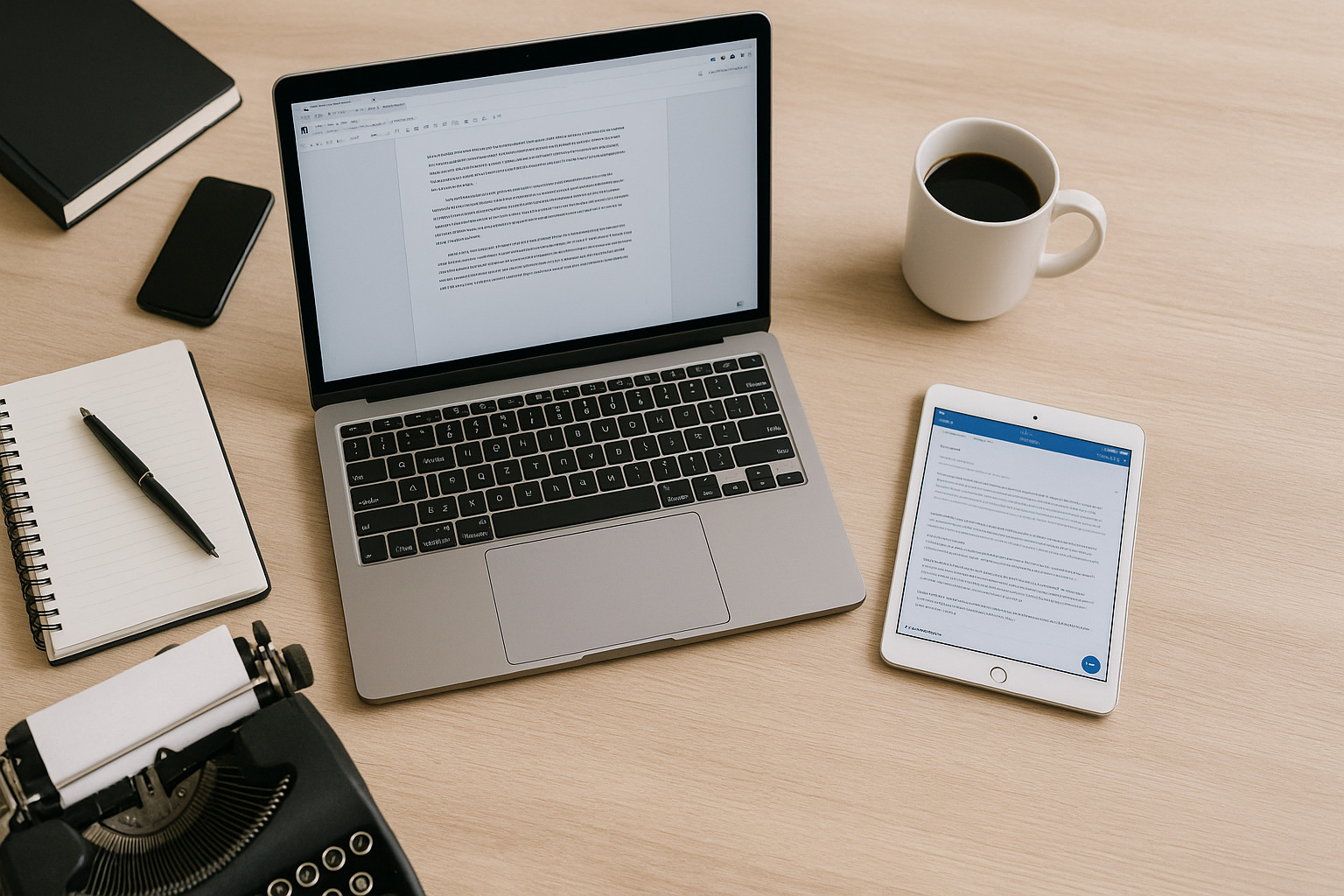
There are now so many options it would be impossible to write about them all. Which is a relief because I can’t be bothered. What I am going to list is the writing software I use as a professional so that you can make your own informed choice.
Grammarly is essential
You probably know what Grammarly is already. If not, it’s a grammar checker that you can use to double-check what you’ve written and also improve your writing. I have written for over 30 years, have a degree in English, and regularly work as a proofreader and editor. The things I write are still riddled with errors, and it is almost impossible to accurately proofread your own work.
So I use Grammarly, and it’s great. I pay for the premium as I use it every day. I may occasionally disagree with some of the grammar suggestions, but rarely. It also catches nearly all my typos and errors resulting from constant editing. It is essential.
Some of its suggestions for strengthening or rewriting can be off in my opinion, but they might be helpful for others.
Scrivener is superb for big projects, but also works for smaller ones
I love Scrivener. I have tried a lot of writing software for books and bigger projects over the years, and I have stuck with Scrivener. It just does so much and is incredibly helpful. If you have ever tried working on something longer than an email or blog post, you will probably be aware that you end up with multiple notes, links, pictures, and so on. It can get a bit daunting and hard to find what you’re looking for.
Scrivener is a place where you can bring all that together. You can link things, add tabs, and so on. I’m currently writing a book and having all the character sheets, plot points, notes on planets and locations, and even maps in one place is ideal. There are also aspects like tagging and a corkboard to help with outlining. I have now bought Scrivener on iPad, Mac, and Windows.
I also use Scrivener as a place to store all my short stories and articles.
The only downside to all this functionality is that it can be a bit daunting when you first open it up. There are tutorials to help with that.
You can check out Scrivener here. (Affiliate.)
Notion is my favourite second brain
I love Notion. I used to like Apple Notes (and still use it for immediate stuff), Evernote and Microsoft One Note, but now Notion is my go-to second brain.
- It is really versatile. Not only can you add pretty much anything to it, but you can also create databases and interlinked tables and all sorts of fun stuff. I find some of that a bit daunting, but these days I can just ask ChatGPT to knock up a template and it works a treat.
- The main reason I like it, however, is that you can keep burrowing deeper. In a lot of note-taking apps, you have the top level, like a book or subject, then pages or topics, and then maybe another level of various pages. So Writing – then Fiction / Articles / Clients / etc – then ideas/notes, etc, for each of them. But in Notion, you can just keep going making as many subfolders as you like. I don’t have to worry about the limits.
If you use Notion, you’ll know what I mean. If you don’t, what I just wrote may be baffling. Just give it a go, it’s great. Although you may waste a lot of time making it look pretty, like I did.
Word and Google Docs
I had to include these as they are essential and unavoidable if you want to write for clients. They are pretty straightforward, you’ll definitely have used them, so I will shut up about them.
ChatGPT and AI generally
I had to include this because it is likely to be increasingly essential. I don’t think AIs are capable of writing anything particularly good – yet – but they are getting there. What I think will happen in terms of writing is that they will be used for basic, uninspired content, maybe some blogs (not any of mine), emails, and for cheating at school.
From a writer’s perspective – they are really handy for things like research, idea generation, titles, planning, and generally, stuff you might have employed an assistant to do. I am awful at titles and used to rely on editors to come up with something more catchy. Now my friendly neighbourhood AI can do it.
ChatGPT 5 just came out, but I haven’t had much time to play around with it. I have set up a writing assistant which I pretentiously named Calliope. (I wrote about her / it here.) At the beginning of the week, I plan out what topics and articles I will write and generally plan the week. I usually forget my plans almost instantly, so it is good to have a reminder and someone to discuss angles and titles with.
There are a few other bits of writing software I might occasionally dabble with, but those are the main ones. I should note the Scrivener link is affiliate but it will cost you nothing and it is probably my favourite in the whole list. I hope this was vaguely helpful.