





Doodles And Awesome Digital Art – I’m Now Learning Procreate On IPad
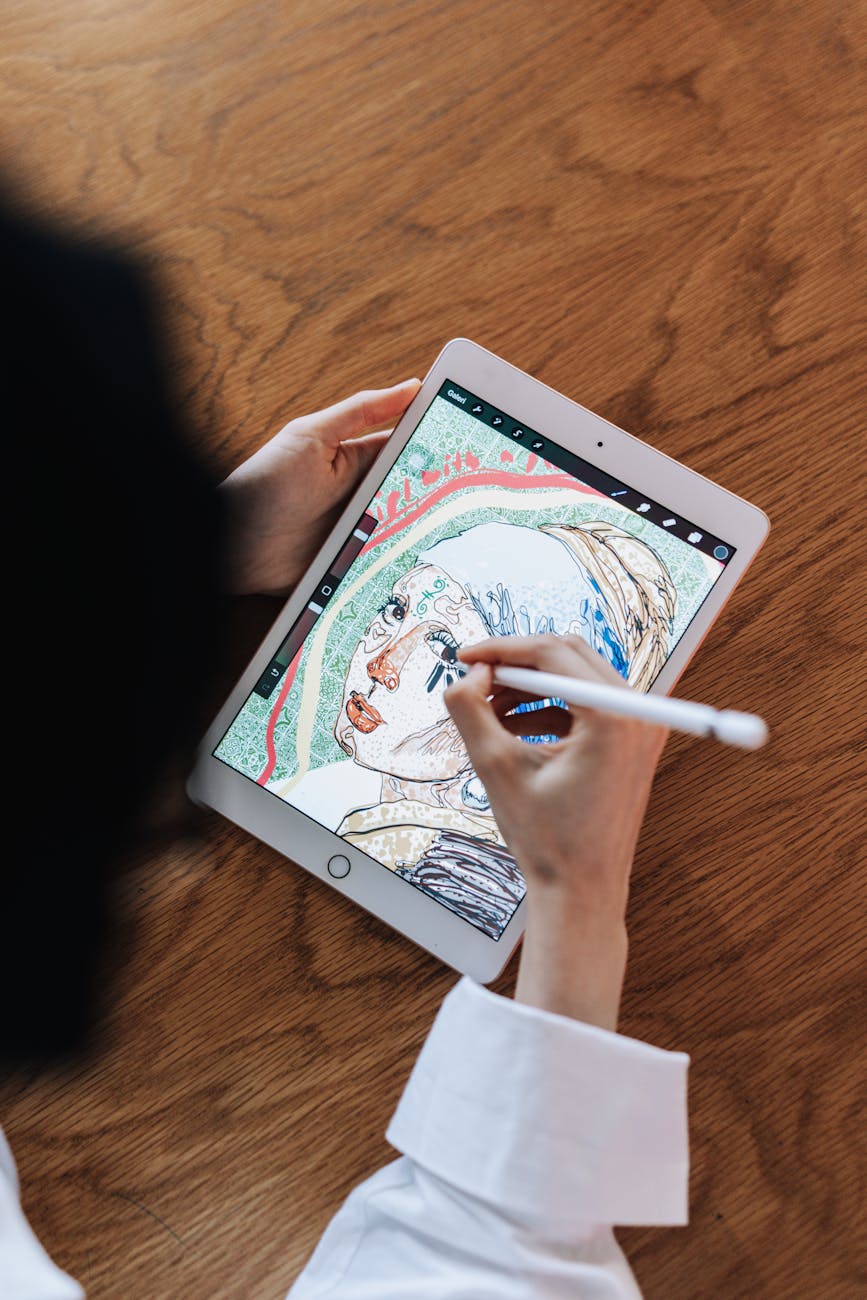
I justified buying an iPad Pro based partly on Procreate. I also write on the iPad and wanted to future-proof it by getting a good one, but I could have done all that with a cheaper model. (Games and reading comics might be a factor, but I will pretend they’re not.)
I had an iPad Pro already and it was a perfect size for drawing, so I knew what I wanted. But it was from 2015 (an original) and really showing its age. The poor old thing is essentially now just a radio.
I’m primarily a writer but I have always longed to draw and create art. I have a lot of the necessary paraphernalia, but it is all a bit dusty as I have just been using Procreate.
Ok, this is starting to sound like an advert for Procreate, so apologies. I also love the idea of a sketchbook and a pencil. It is a great way to learn, improve and hone your skills. But the iPad and Procreate option has a number of advantages.
Traditional methods are still totally valid, and require a similar but different skill set. You also get a piece of paper (or whatever) at the end of it. My artist friends have piles of them. But I guess the main point of this post is that for me, learning art on an iPad has a lot of advantages.
Why learning on Procreate and an iPad is proving a winning combo
The obvious one is that the iPad is easy to carry, and you have all your art with you and ready to share. If you fancy a quick sketch while having a coffee, that is possible too.
But as a learner, there are so many resources I can access anywhere that will help me develop art skills. I have a ton of books -mostly digital – specifically for those learning to draw and create digital art. I love YouTube and Udemy lessons. I am currently working on a piece that comes from YouTube that shows how to create an amazing piece of art step by step. When you see the original image, it is astounding and you think there is no way you could create something like. But you can.
Someone with an easel and oils could copy the image, but the process is so different (mostly due to layering and brush options) that the lesson itself would be largely pointless. Which is a shame, as the lesson is a lot of fun. I have finished the background and can’t believe I created it. Here is the work in progress (it is just the background):

There is going to be a litle hut thing in the foreground to the bottom right. If you have Procreate and an iPad (and pencil), you can download the palette in advance, and he talks you through what brush to use and their opacity and size levels. It is really cool and I am learning a lot about how to do things.
This particular one comes from the James Julier Art Tutorials page. There are lots of similar pages on YouTube, but this is a good one.
I am also doing a Brad Colbow course on Udemy which is fun.
Other great online resources:
There’s a beginner’s series on the official Procreate website which you can check out here. There is also an official YouTube channel.
Creative Howl has a great list of lots of Procreate resources.
I personally subscribe to 21-Draw which has lessons for other platforms and programs.
There are lots of others.
Books I recommend
I found these books great for learning and as a resource:
Beginner’s Guide to Digital Painting in Procreate: How to Create Art on an iPad® is good. As are a few others from 3dtotal Publishing. I have three or four of theirs, a couple on paper, a couple on kindle. All are high quality.
The Illustrator’s Guide To Procreate: How to make digital art on your iPad is good for an intro. I only got this a few weeks ago and haven’t explored it much, but it seems fun and is highly rated.
The next two I own are about creating digital art more generally:
Make Great Art on Your iPad: Tools, tips and tricks for using Adobe Photoshop Sketch, Procreate, ArtRage and many more by Alison Jardine has been useful and fun so far.
Drawing Digital: The complete guide for learning to draw & paint on your iPad by Lisa Bardot is also great and teaches more general skills.
Finally, as I occasionally design book covers and headers for my websites, I got this:
Hand Lettering on the iPad with Procreate: Ideas and Lessons for Modern and Vintage Lettering by Liz Kohler Brown. I have just started, but get ready for a new header soon. (Unless it is already up.)
(Affiliate links.)
Final thoughts – I hope this helps someone
I’m only a beginner but have researched and read enough that I am able to point other newbs in the right direction. Everything above is something I have tried personally and have been really helpful. I am sure you will find alternatives that are even better, but if just one of the above things help, then mission accomplished.
Good luck!